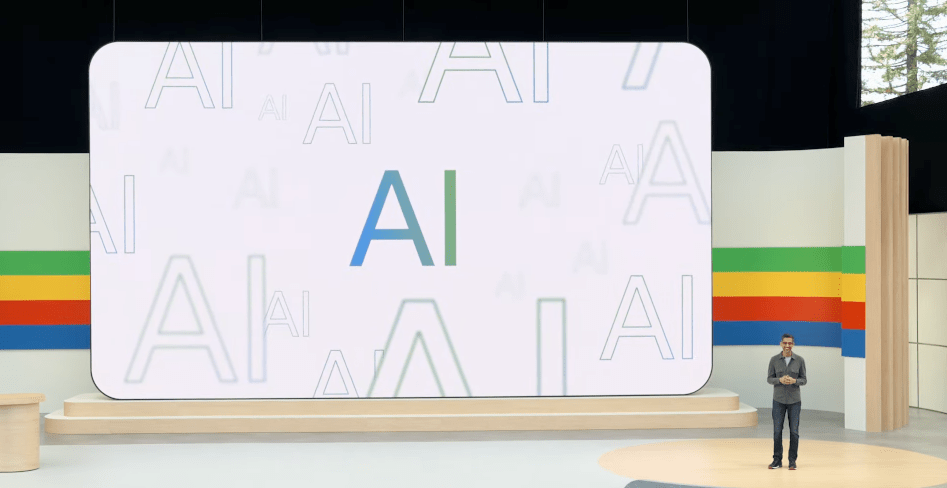
At the Google I/O 2025 developer conference, Google introduced Stitch, an AI-powered tool designed to assist in the creation of web and mobile app front ends by automatically generating the necessary UI elements and code.
Stitch Features and Functionality
Stitch can be activated to generate app UIs with just a few words or even an image, providing HTML and CSS markup for the designs it produces. Users have the option to select between Google’s Gemini 2.5 Pro and Gemini 2.5 Flash AI models to empower Stitch’s code and interface ideation.
Stitch’s Role in Vibe Coding Trend
Stitch joins the trend of vibe coding, where programming is facilitated through code-generating AI models, which is gaining popularity within the tech industry. Various tech startups are entering this growing market, including Cursor maker Anysphere, Cognition, and Windsurf. OpenAI recently launched Codex, a new assistive coding service, and Microsoft introduced updates to its GitHub Copilot coding assistant during Build 2025.
Customization and Potential
While Stitch may have limitations compared to other vibe coding products, it offers a range of customization options. The tool supports direct exporting to Figma and enables code exposure for further refinement in an IDE. Users can fine-tune any of the app design elements generated by Stitch.
In a demonstration with TechCrunch, Google product manager Kathy Korevec showcased two projects created using Stitch: a responsive mobile UI design for an app catered to bookworms and a web dashboard for beekeeping.
Soon after the I/O conference, Google plans to introduce a feature that allows users to make UI design changes by capturing screenshots of the objects they wish to modify and annotating them with desired adjustments. However, Stitch is not intended to replace comprehensive design platforms like Figma or Adobe XD.
Stitch is accompanied by Jules, Google’s AI agent designed to aid developers in resolving code bugs. Jules, currently in public beta, assists developers in understanding complex code, creating pull requests on GitHub, and managing backlog items and programming tasks.
During a separate demo, Korevec showcased Jules upgrading a website from the deprecated Node.js version 16 to Node.js 22, with Jules proposing a plan for the upgrade. Users can switch between different AI models in Jules to enhance its functionality.
[Watch the video demonstration of Jules in action](https://www.youtube.com/embed/cWvwpUw0vFA?feature=oembed)