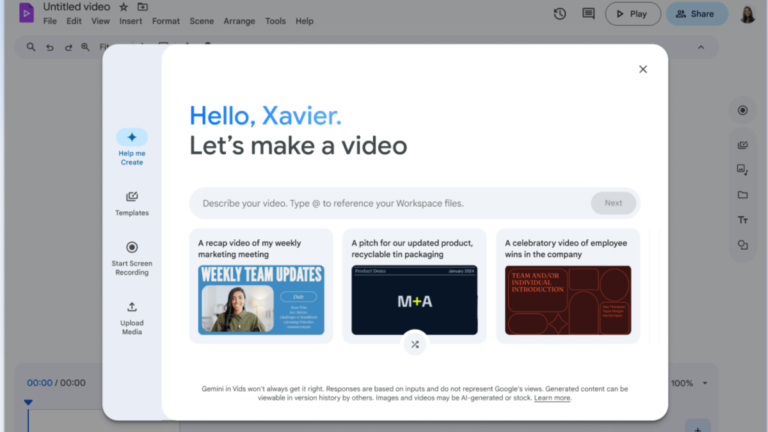
Google has announced a new shortcut button for Vids, its AI-powered video-creation tool, to enhance the editing experience for Drive videos.
Streamlined Editing Process
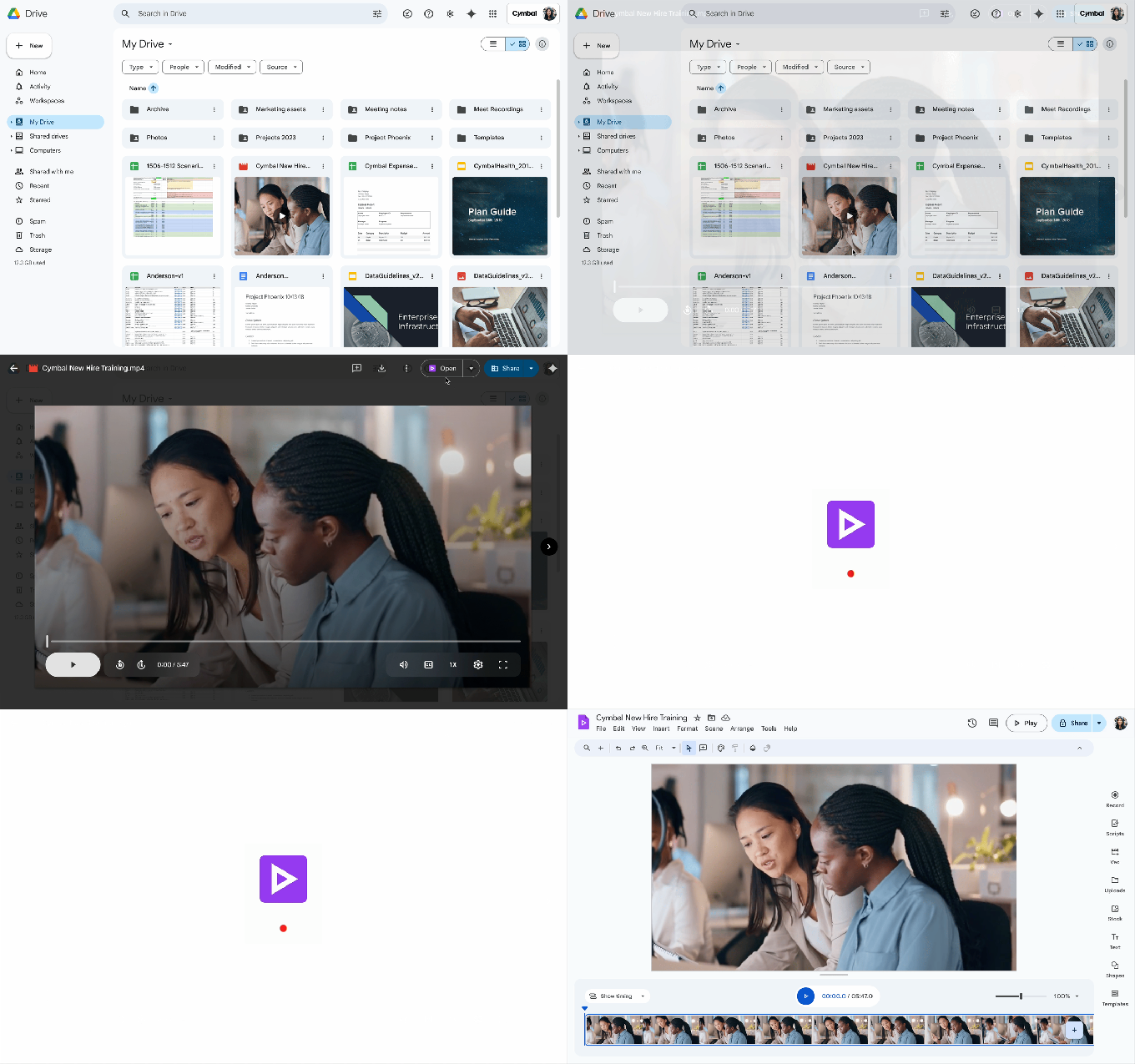
Workspace users can now easily initiate a video edit using Vids directly from the Google Drive interface. While previewing a video in Drive, users will see an “Open” button in the top right corner that opens the video in the Vids app. Vids will automatically launch the video file, allowing users to make edits such as trimming the clip or adding music and text.
Integration with Workspace Suite
This new shortcut, activated by default, demonstrates Google’s efforts to integrate the Vids app more closely with the Workspace suite. Launched last year, Vids aims to streamline video production by enabling users to generate videos from basic text prompts, craft scripts automatically, rearrange video clips, add transitions, and more.
Continued Innovation
This latest feature comes after Google introduced another Gemini AI feature for Workspace users in May, allowing them to use AI to summarize video files stored in Google Drive.
Google continues to evolve its tools and services to provide users with a more efficient and seamless video editing experience.